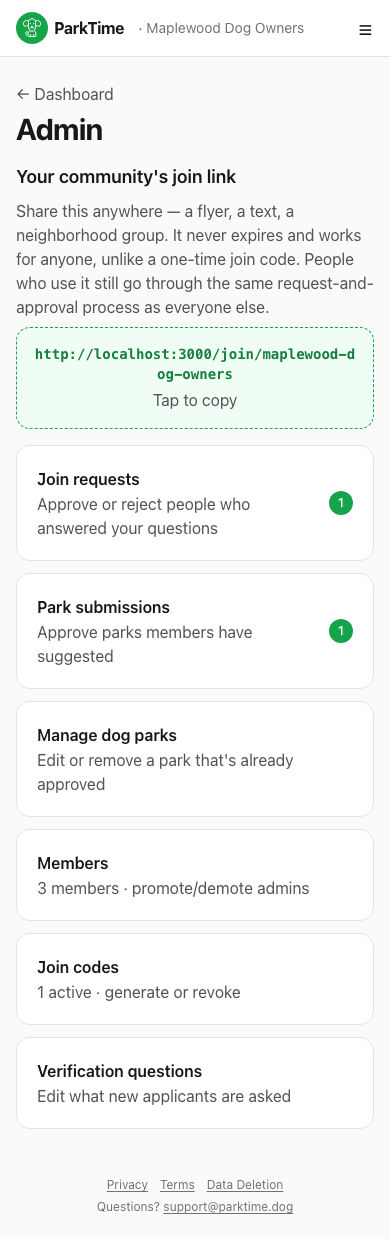
Your admin hub
Everything lives in one place — your community's persistent join link at the top, and every admin tool below it, each with a live count of what needs attention.
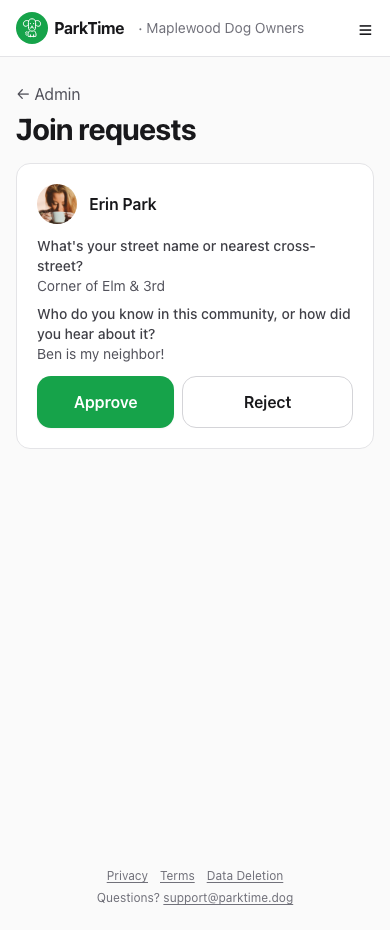
Approve who joins
See exactly how each applicant answered your verification questions, then approve or reject with one tap. You're the one keeping the community real.
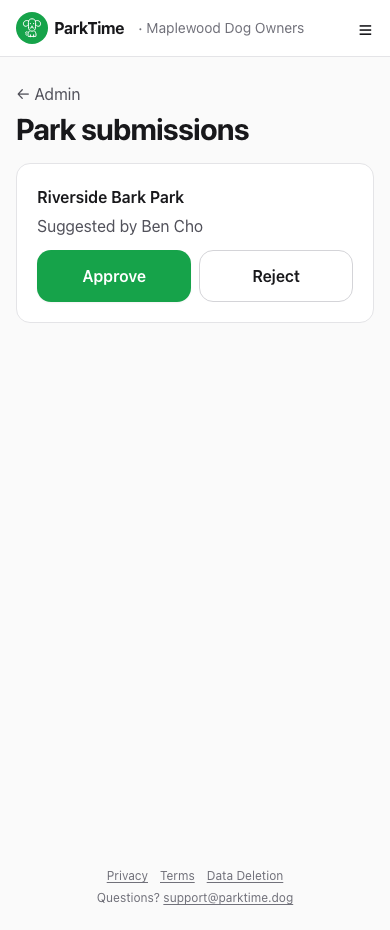
Review suggested parks
Any member can suggest a dog park, but it only shows up for the whole community once you approve it here.
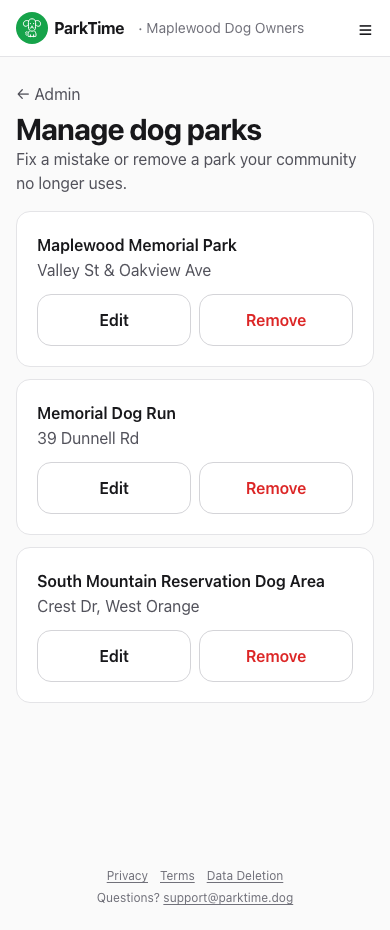
Keep the park list tidy
Fix a typo in an address, rename a park, or remove one your community no longer uses — all from Manage dog parks.
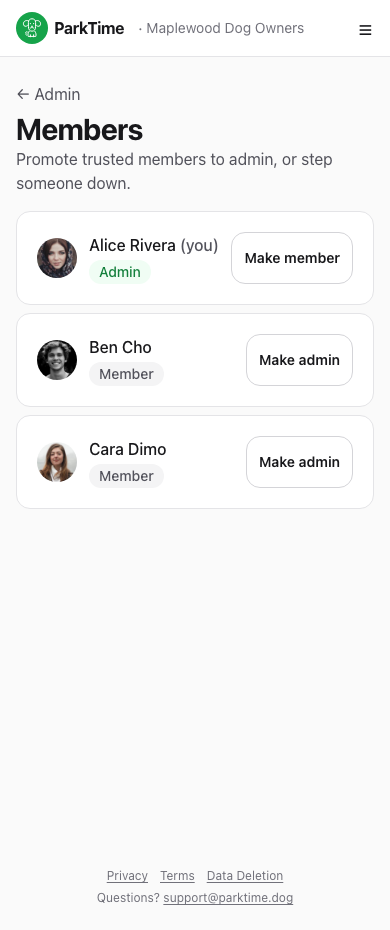
Share the load
Promote a trusted member to admin so they can help review requests and manage parks too — or step someone down later.
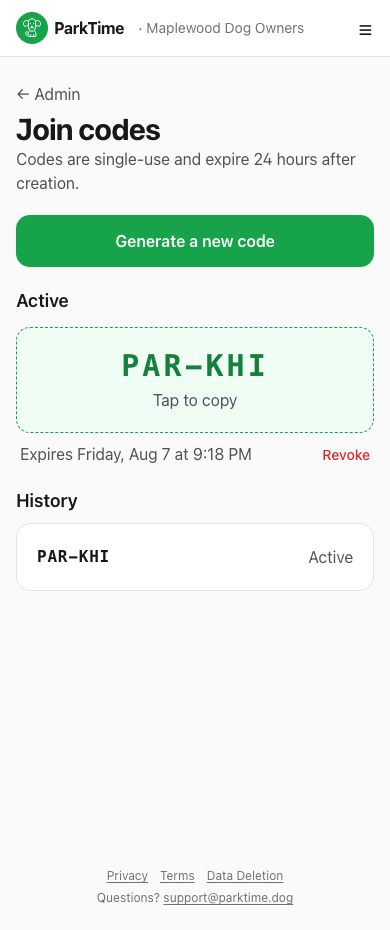
One-time join codes
Need to get one specific person in fast? Generate a single-use code that expires in 24 hours — handy alongside your persistent join link.
Different from the join link on your admin hub — codes are single-use and time-limited.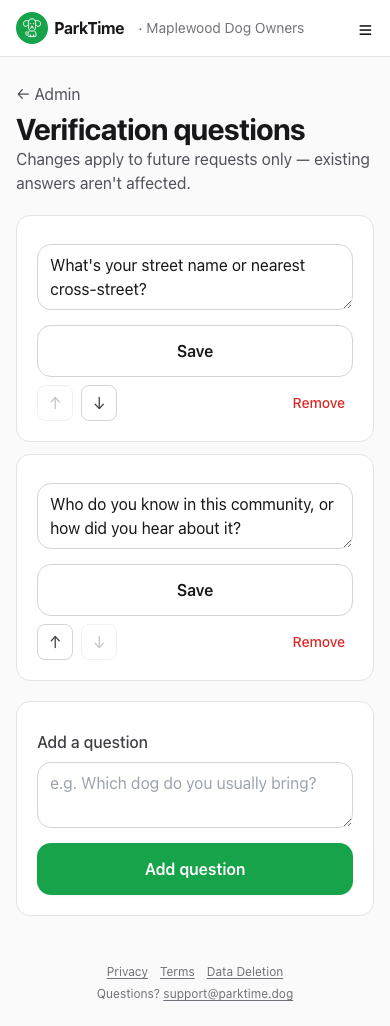
Set your own verification questions
Write the questions new applicants have to answer — reorder them, add new ones, or remove ones you no longer need. Changes only apply to future requests.